Rancher A new life Rancher: A New Life Controller Support
Full controller support on the Steam full game—verify bindings once Early Access opens.
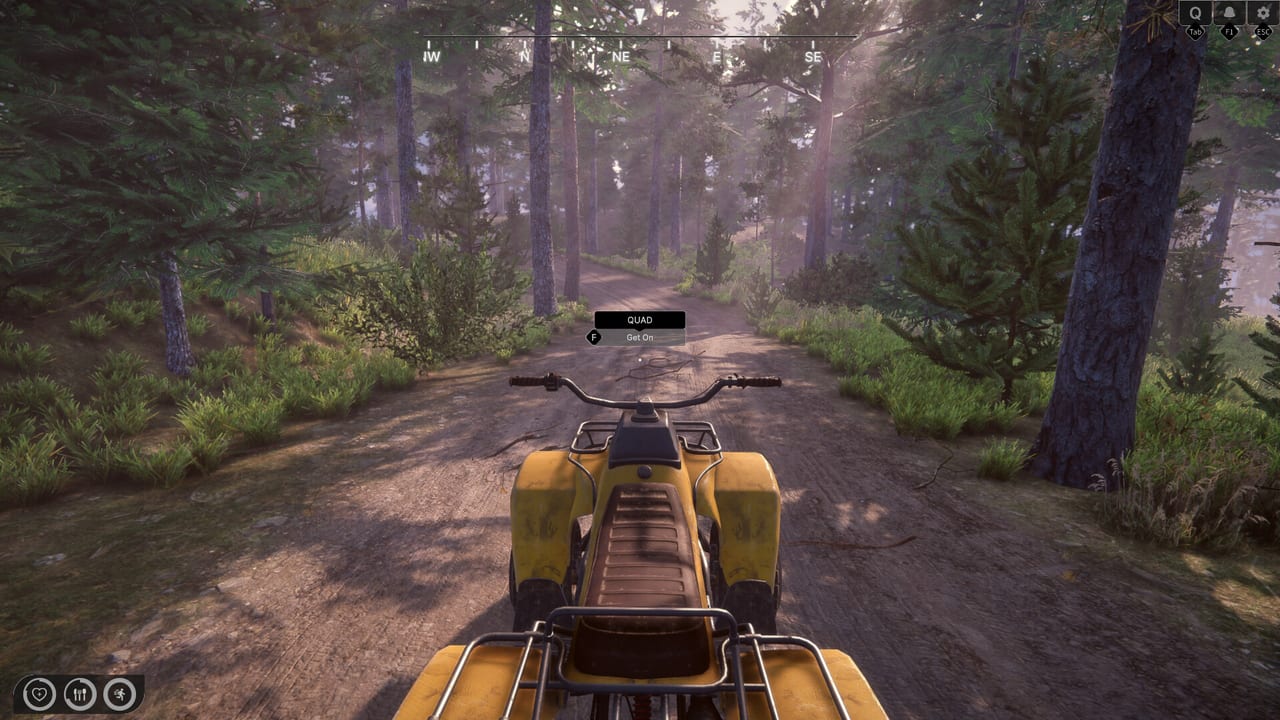
Controller support separates the Rancher: A New Life full Steam listing from its demo. The demo accepts keyboard and mouse only, while the main app page advertises full controller support for Early Access since August 6, 2026. That gap matters for couch players, Steam Deck owners, and anyone who prefers analog steering on quad trails. This guide explains what you can plan today and what should re-test after each Early Access hotfix.
What Steam promises
Store metadata lists controller support alongside keyboard and mouse for the paid Early Access product. Exact glyph layouts can still change across hotfixes, so exact glyph layouts, Steam Input templates, and rebinding depth remain unverified. Treat this page as a checklist to run on your current build—not a final binding chart.
Why the demo misleads gamepad players
Demo festival players on gamepads report no usable bindings because the trial build simply excludes controllers. Learning ranch loops in the demo still helps, but muscle memory on sticks will not transfer until you repeat tutorials on EA. If you only own a controller, wishlist the game and watch Updates for pre-launch playtests that might enable pads early.
Expected control schemes
First-person sims on controllers usually map move to the left stick, camera to the right, interact to a face button, and sprint to a click or shoulder button. Workshop crafting and House Renovation placement often use bumpers to rotate pieces and triggers to confirm placement. Vehicle controls typically put accelerate on RT and brake on LT with optional handbrake on a face button for quad racing segments noted in Map and Locations.
Menu navigation and apps
The skills, finances, and animal registry apps must respect focus navigation with D-pad or left stick cursor modes. Poor focus order frustrates bill payment for water and electricity—test paying one bill on controller before marathon play. Compare with Keyboard and Mouse if you hybridize: some players shop on mouse and ranch on pad.
Steam Deck and Steam Input
Steam Deck players should enable Steam Input community layouts if official templates lag day one. Cap frame rate modestly to reduce stick input lag on medium settings—see System Requirements for GPU headroom. Shoulder buttons help when holding tools during long Farming sessions; map them before planting season begins.
Rebinding and accessibility
Full controller support implies remapping at least core actions. Check Settings and Tips once EA menus appear. Invert Y-axis toggles help players who feel seasick during horse riding. Aim assist—if present in shooting-range mini-games—should be tested separately from ranch chores so you know which mode is active.
Roadmap and multiplayer considerations
Full Access roadmap mentions online cooperative play, which would demand consistent gamepad glyphs across clients. Early Access solo play avoids sync issues, but plan to revisit controller docs when co-op patches arrive. Local couch co-op is not advertised; do not expect split-screen bindings.
Launch verification checklist
When Early Access unlocks: confirm interact prompts show button icons, test quad and horse mounts, pay a utility bill entirely on pad, finish one workshop nail step, place one furniture item, and open each phone app. Report missing glyphs via Steam discussions so Sim Farm can patch quickly—demo history shows they respond to festival feedback.
Related pages
Gameplay systems behind each button live in Guides, Ranch, Animals, and Tools. Release timing and platform notes sit in Release Date and Roadmap.
Hybrid PC setups
Many players keep a mouse on the desk for menus while using a controller for quad trails and horse riding once Early Access supports both. Steam Input can swap profiles per game phase if you build separate layouts for town shopping and field work. Document your profile names so major patches do not overwrite custom bindings silently.
Frequently Asked Questions
Quick answers to common ranch questions.
Does the demo support controllers?
No. Only the full Early Access listing advertises controller support. The demo remains keyboard and mouse only.
Will Steam Deck work at launch?
Controller support helps, but verify Proton compatibility and performance yourself in your Early Access build. Adjust settings using our tips page.
Can I switch from keyboard demo to controller EA?
Yes, but expect a short relearning period for menus and vehicles. Repeat early tutorials on controller before tackling complex renovation.