Rancher A new life Rancher: A New Life Performance and Saves
Autosave, manual saves, and practical PC stability habits for Early Access week-one builds.
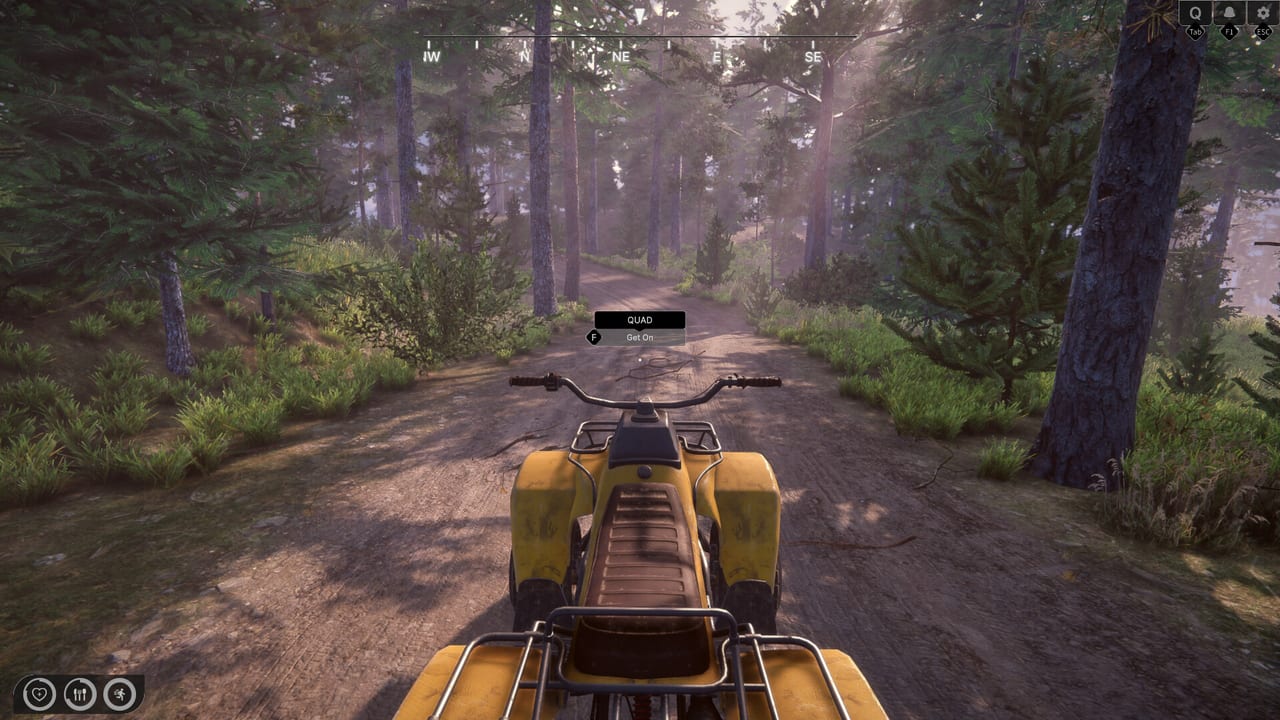
Steam Early Access for Rancher: A new life began on August 6, 2026, and the first patch week already targeted the two complaints that break a ranch night: unstable performance and lost progress. Sim Farm’s August 7 notes added an Autosave option and Early Access info on the main menu, then August 8–9 patches tightened furniture, grass, plant, pet-bowl, and power-box save behavior. This guide turns those notes into a practical routine you can run on a mid-range PC.
Use it beside Settings Tips, System Requirements, and Updates so you are not guessing which slider or habit actually protects a long save.
Enable autosave immediately
Open the options menu and turn Autosave on before you renovate, cook, or drive to town. Early Access day-one reports described long sessions ending in a crash with no recent save; the August 7 patch directly answers that gap. Keep a second habit anyway: manual Save after every major milestone—finished room, purchased animals, restored pickup step, or paid bills.
Treat autosave as a safety net, not a license to skip intentional saves. If you notice a soft-lock mid-quest, return to the title menu and reload the last clean slot instead of forcing more interactions.
Manual save timing that works
Save before and after:
- Workshop projects that consume rare boards or nails
- Animal market purchases and registry updates
- Long furniture placement sessions in the house
- Cooking marathons on stove, BBQ, or campfire
- Leaving the ranch toward remote shop markers
August 8 notes fixed several load issues around bills after long gaps and cars that failed to count as repaired. If a quest state looks wrong after travel, reload once before spending money.
Performance baseline for Early Access
Steam lists a GTX 1650 4GB-class minimum and a much stronger recommended card. Community reports after unlock describe uneven optimisation: some 40-series machines run smoothly, while older laptops stutter after long cooking or cleanup sessions. Start conservative:
- Cap frame rate to a stable number your monitor can hold
- Lower shadows and volumetric effects first
- Keep foliage and view distance moderate so map landmarks stay readable
- Disable unused overlays (RGB software, aggressive recording stacks)
- Verify game files after each large patch day
If cooking menus begin to delay after hours of play, players report that saving, quitting to the main menu, and reloading clears the hitch without deleting the ranch. That workaround remains useful until later performance passes land—Sim Farm’s public “Performance Path” news explicitly invites Discord feedback while more optimisation continues.
Cooking, pans, and furniture friction
August 7–8 patches specifically addressed stove/oven/pan save problems, pans stuck to the player after serving food, cookware vanishing or becoming wrongly grabbable, cutting boards duplicating, and furniture that fought placement. If you still see those symptoms on an older build, update Steam, then:
- Drop the pan or plate before opening another menu
- Move furniture slowly; avoid rotating while the prompt is still resolving
- Buy a replacement cutting board from the shop if a duplicate ghost appears
- Reload if a ladder, birdhouse, or sawhorse refuses to settle after moving
Cross-check How to Cook and House Renovation once your build ID is current.
Plants, grass, pets, and power box saves
August 8 made cut grass persist correctly. August 9 fixed plants that created duplicate digging spots, dog and cat bowls that spawned extra objects on load, and reduced random power box breakage. After outdoor gardening or pet feeding sessions, save once, reload, and confirm troughs, bowls, and plant holes look singular. Persistent duplicates are worth reporting on Steam discussions or Discord with a screenshot and build time.
Utility cuts still matter: unpaid Bills and Utilities can interrupt cooking and lighting even when FPS is fine. Pay water and electricity before blaming graphics settings for a dark kitchen.
Crash recovery checklist
- Launch Steam → verify integrity of game files
- Confirm Autosave is enabled
- Load the newest slot that still shows correct quest markers
- Avoid selling the car until the related quest is active (August 8 sellable-car fix)
- Re-check map exit markers before another shop run—devs placed clearer leave-ranch markers in early EA patches
- Note the in-game time and what you last crafted for a useful bug report
Hardware and input notes
Controller support is part of the full Early Access listing; the free demo remains keyboard and mouse only. If you play on Steam Deck or a gamepad, re-test bindings after each patch because UI focus can change with furniture and cooking fixes. Pair this page with Controller and Keyboard and Mouse.
Related reading
For day-one chore order see Getting Started. For income that does not rely on fragile long sessions, skim How to Make Money. Track every new hotfix on Updates so this performance checklist stays aligned with the latest August 2026 builds.
Frequently Asked Questions
Quick answers to common ranch questions.
Does Rancher: A new life have autosave in Early Access?
Yes. The August 7, 2026 patch added an Autosave option. Enable it in settings and still create manual saves after major purchases or renovations.
What should I do if cooking becomes delayed after long play?
Save, quit to the main menu, and reload. Lower shadows if frame times also drop, then check Updates for newer performance fixes.
Why did my grass or plants look wrong after loading?
August 8–9 patches fixed cut-grass persistence and duplicate plant digging spots. Update the game, reload once, and report leftovers with screenshots if they remain.
Can I sell the car immediately?
Not until the correct quest is active. An August 8 fix prevents selling the car too early; follow garage quest prompts first.