Rancher A new life Steam Deck and PC Setup for Rancher: A New Life
Controller expectations, performance levers, and save habits for handheld and desktop play.
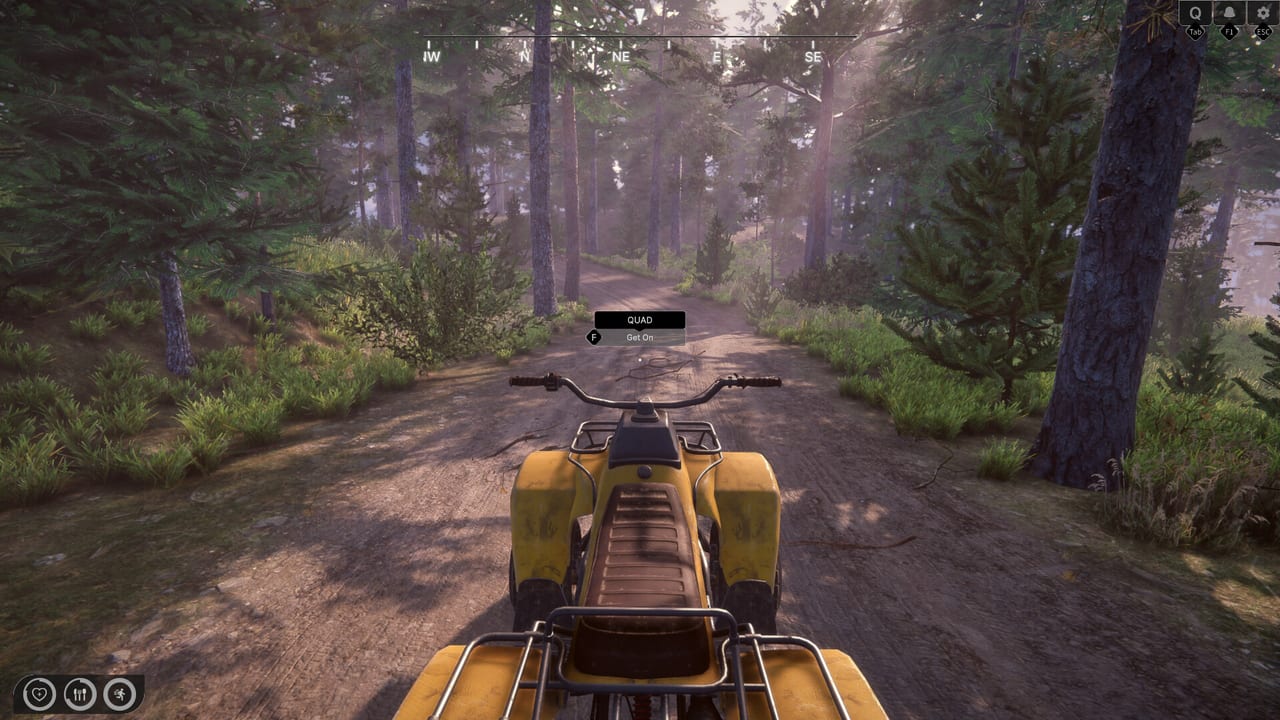
Rancher: A new life ships as a Windows Steam Early Access title with full controller support on the paid app, while the free demo remains keyboard and mouse only. That split confuses Deck owners and couch players who test the demo first. This page explains how to set up PC and Steam Deck-class hardware for the Early Access build, which settings matter after week-one hotfixes, and how to verify your install before a long ranch night.
Cross-read Controller, Keyboard and Mouse, Settings Tips, System Requirements, and Performance and Saves.
Demo versus Early Access inputs
| Build | Input |
|---|---|
| Demo (4084090) | Keyboard and mouse only |
| Early Access (2665250) | Keyboard, mouse, and full controller support |
If the demo feels awkward on a Deck in desktop mode, that is expected—switch to the paid EA build to evaluate gamepads. Re-test bindings after each patch because furniture, cooking, and quest UI focus still receive hotfixes.
Steam Deck practical checklist
Official Steam Deck verification is community-driven during Early Access. Treat the following as a personal QA list, not a Valve rating:
- Install the Early Access app, not only the demo
- Start with a conservative TDP and 30–40 FPS cap for thermal headroom
- Lower shadows and volumetric effects first
- Enable Autosave and create a manual save after major quest steps
- Confirm Steam Input templates load after the August furniture and cooking fixes
- Test one cooking session and one furniture move before a four-hour binge
- Keep a keyboard nearby for rare text or UI edge cases if a patch regresses focus
Community reports after unlock describe uneven optimisation: high-end desktops can still hitch after long cooking sessions, so handheld owners should expect to tune aggressively.
Desktop PC baseline
Steam lists a GTX 1650 4GB-class minimum and a much stronger recommended GPU. For desktop:
- Prefer borderless windowed if alt-tabbing to wiki guides mid-session
- Cap FPS to your monitor’s stable rate
- Disable heavy overlays while testing new patches
- Verify integrity after large hotfix days (August 7–10 already shipped multiple)
If cooking menus delay after hours of play, save, quit to the main menu, and reload—still a useful workaround while the Performance Path continues.
Saves, quests, and Deck suspend
Do not rely on Deck suspend alone during multi-step repairs. August 10 fixed some stuck questlines (including Barn Repair) and old-save load issues, but intentional saves remain safer before sleeping the handheld. Open the quest app after resume—see Quests and Campaign.
Audio and accessibility toggles
Store categories list custom volume controls and surround options. Lower notification and VO volumes if you play handheld in shared spaces, and confirm mute states still allow quest subtitles when voice is zero (demo patches already experimented with voiceless cutscenes).
Related systems that stress handheld CPUs
- Forest quad rides and wild animal spawns — Wild Animals
- Photohunting atlases — August 10 fixed unphotographable animals (Photohunting)
- Sprinkler-fed gardens raising plant counts — Crops and Greenhouse
Reduce foliage distance if frame times collapse near orchards.
Quick verification after every update
- Autosave on
- Controller glyphs readable in menus
- One preserve or cook action completes (Preserves Station)
- One quest marker updates
- Screenshot settings for Discord bug reports
Track new notes on Updates and keep expectations honest via Review and Early Access Overview.
Frequently Asked Questions
Quick answers to common ranch questions.
Does the Rancher demo support Steam Deck controls?
The demo is keyboard and mouse only. Evaluate gamepads on the Early Access app, which lists full controller support.
Is Rancher: A new life Verified on Steam Deck?
Treat Deck play as community-tested during Early Access. Run the checklist on this page and re-test after each hotfix.
What settings help most on handheld hardware?
Cap FPS, lower shadows and volumetrics, enable Autosave, and avoid long sessions without a manual save after major quests.
Should I use the demo to judge Deck performance?
Only as a rough feel check. Map size, shops, and controller code differ in Early Access.